DonorAtlas <-> Blackbaud Raiser's Edge Quick Start Guide
Connect DonorAtlas
Go to the connection link, and click Connect at the bottom of the page.
Find the DonorAtlas Tile
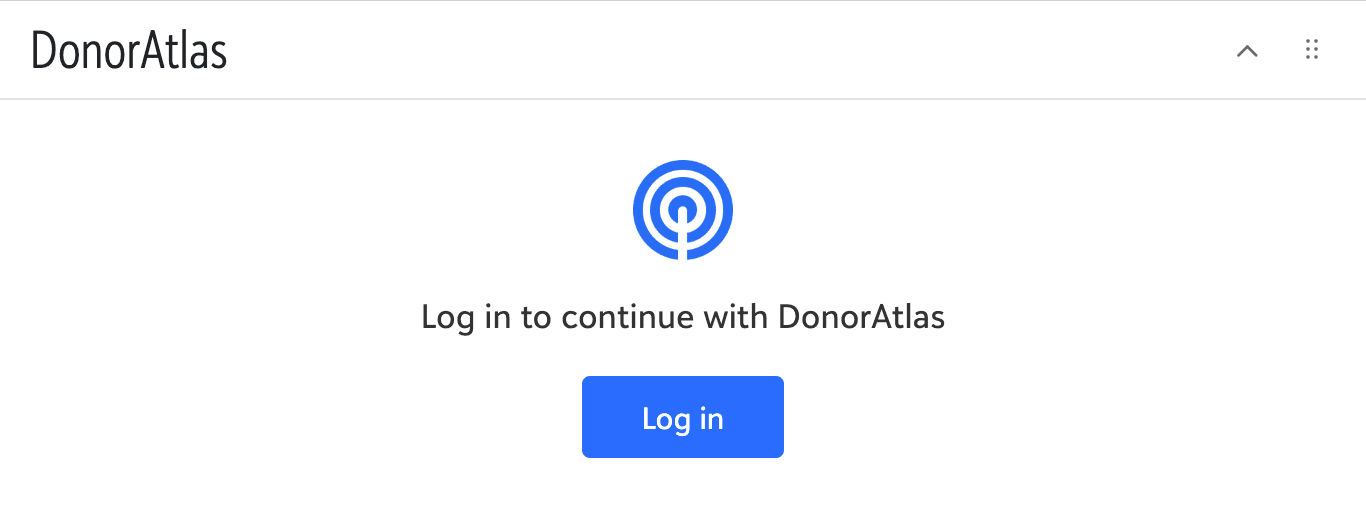
Go to any RE Constituent, and notice the new DonorAtlas tile! This is where you'll manage the connection between this Constituent and DonorAtlas.
Log in to DonorAtlas
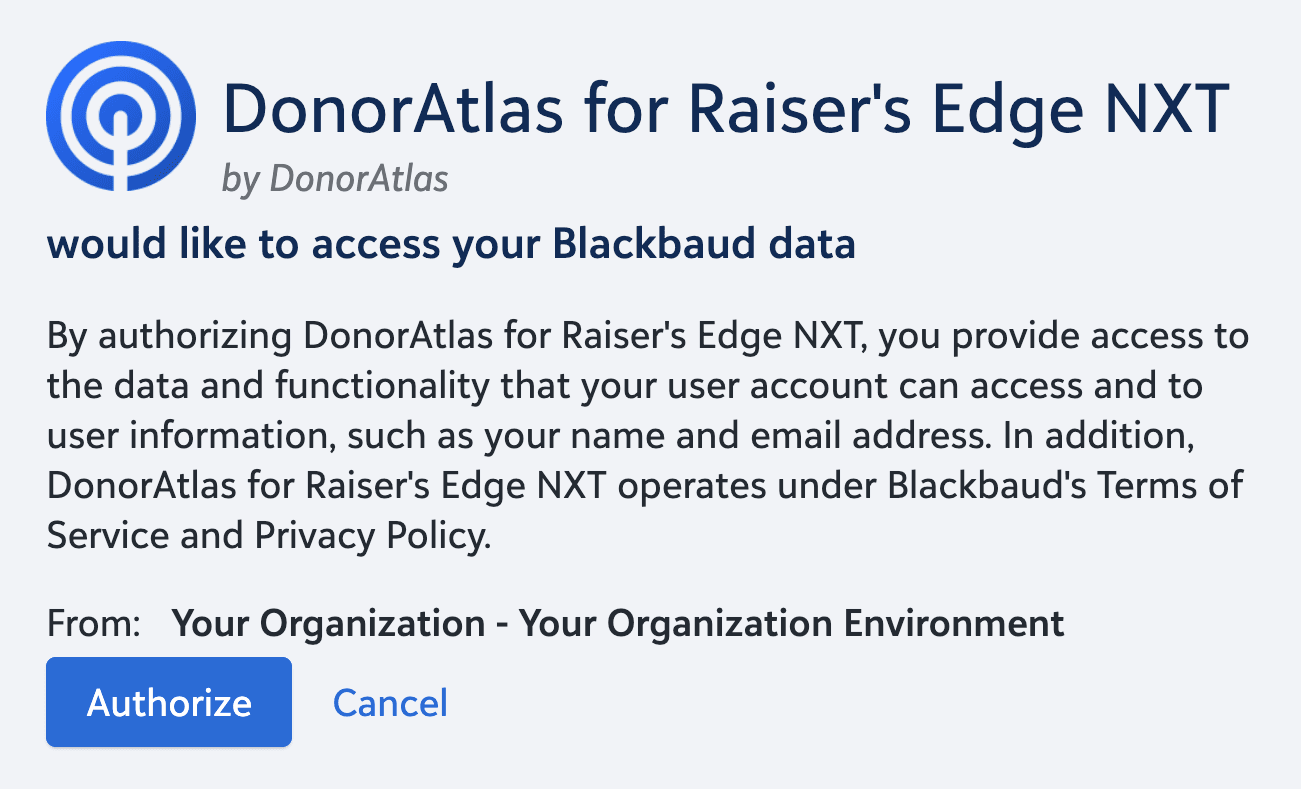
Click Log in on the DonorAtlas tile. This will take you through the setup process, where you can click Authorize to connect DonorAtlas to your RE environment.
Configure Your Integration
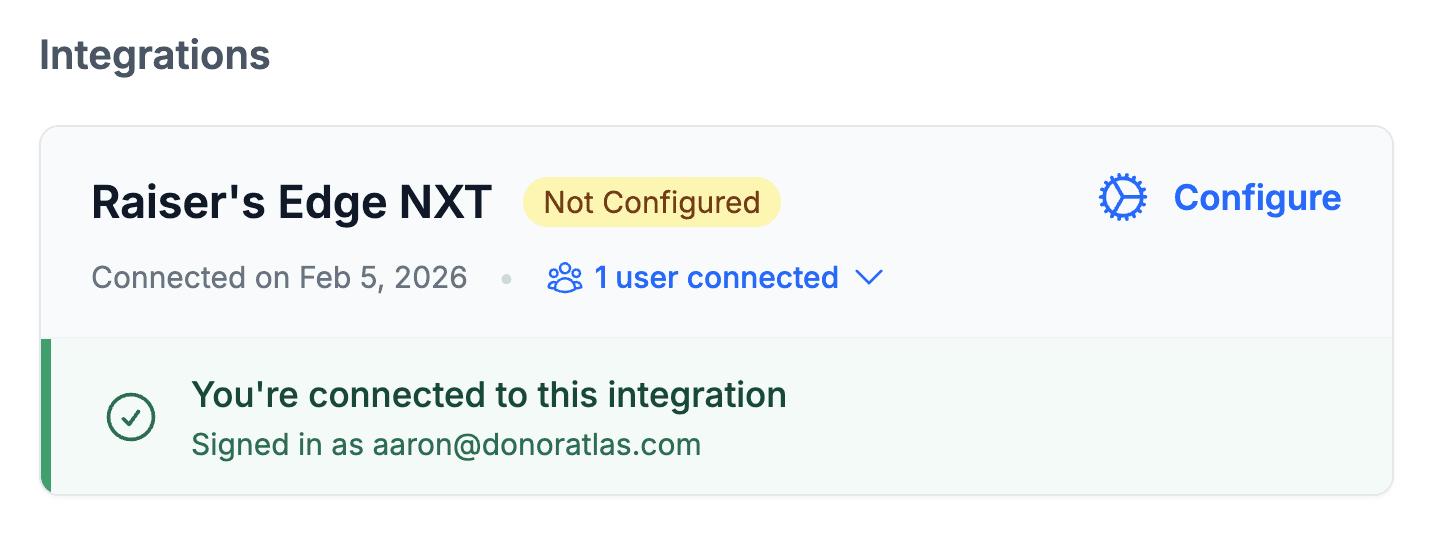
When you've logged in, you'll be taken to the RE Configuration page on DonorAtlas. This is your hub for managing your DonorAtlas RE Integration! You can always find this from your profile page.
Set Up Your SKY API Key
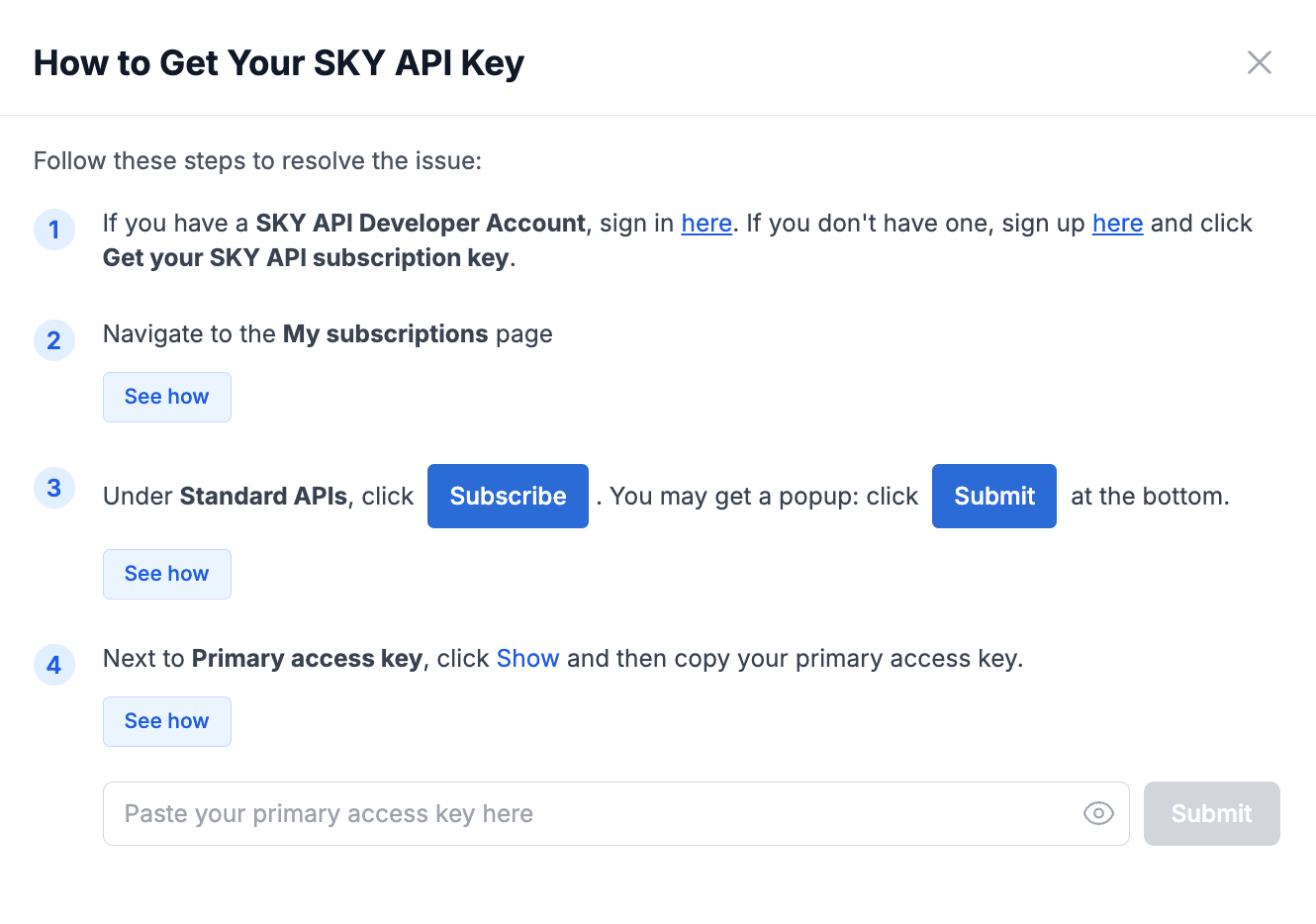
First, you'll need to set up your SKY API Key for DonorAtlas. On the configure page, notice the warning about your SKY API Key. Click See How and go through the easy setup process!
Configure Your Sync Fields
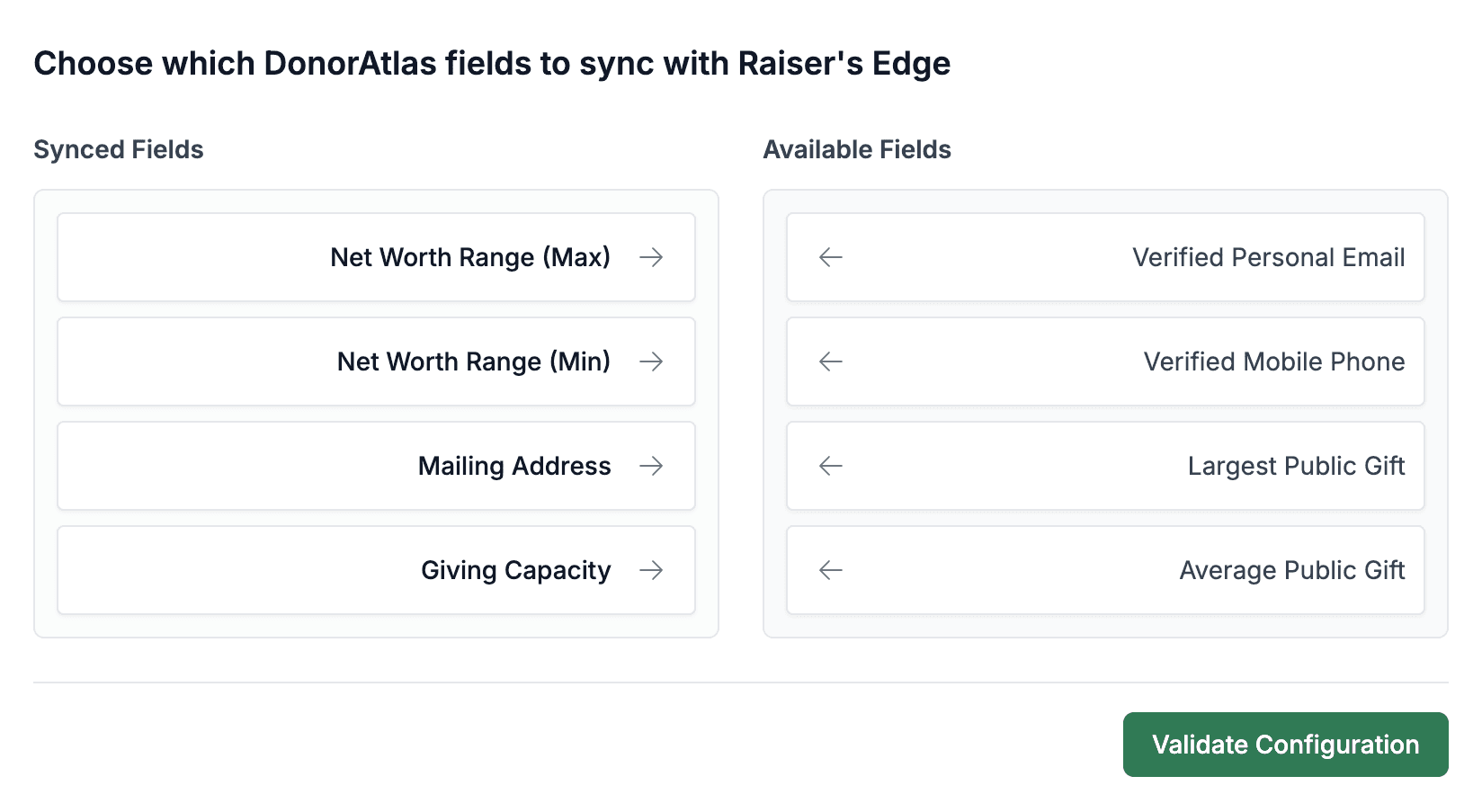
Now, you can configure which fields you'd like to sync with DonorAtlas. For each field you'd like to sync, click the left arrow to move it to the “Synced Fields” section. When you're done, click Validate Configuration at the bottom! Once you validate, you'll see that the fields now say Synced, which means you're good to go!
Sync Your First Constituent
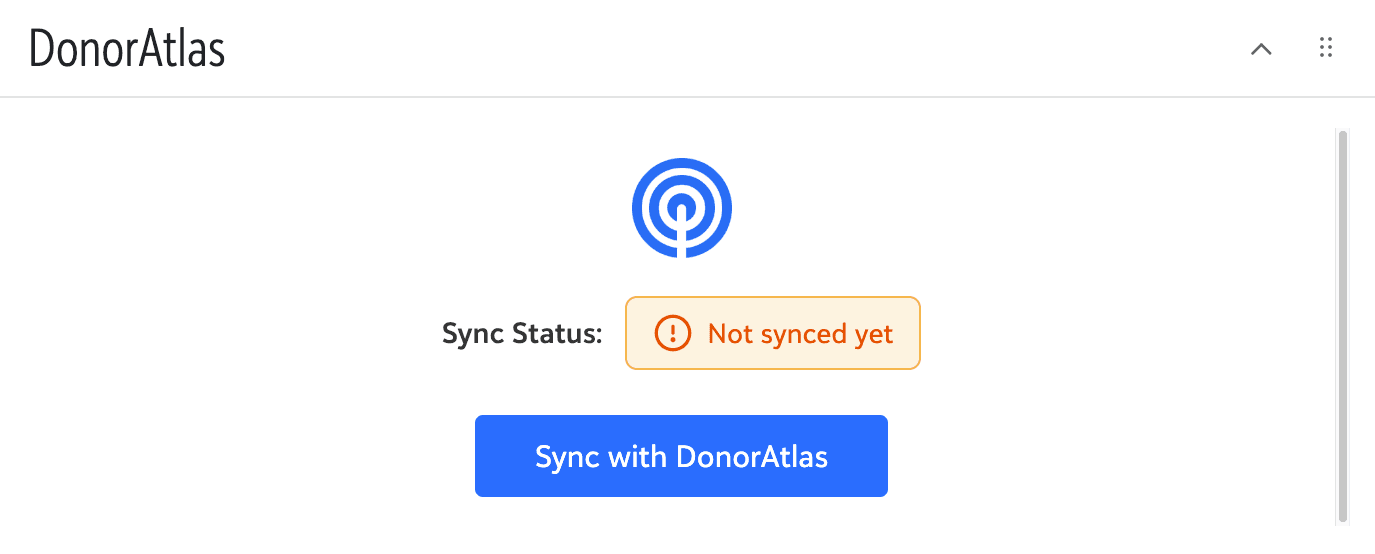
Back in RE, the DonorAtlas tile will now say “Not synced yet”. Pick a Constituent you'd like to sync, and press Sync with DonorAtlas
Wait for the Sync to Complete
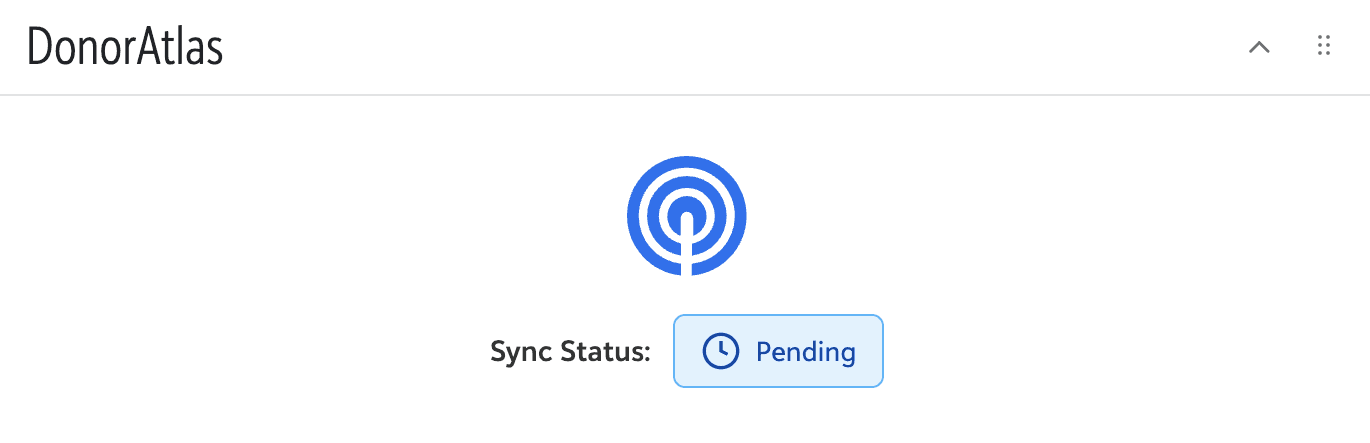
Once you start the sync, DonorAtlas will begin matching this Constituent to a DonorAtlas donor profile. While this is happening, the tile will show that the sync is “Pending”.
View Your Synced Constituent
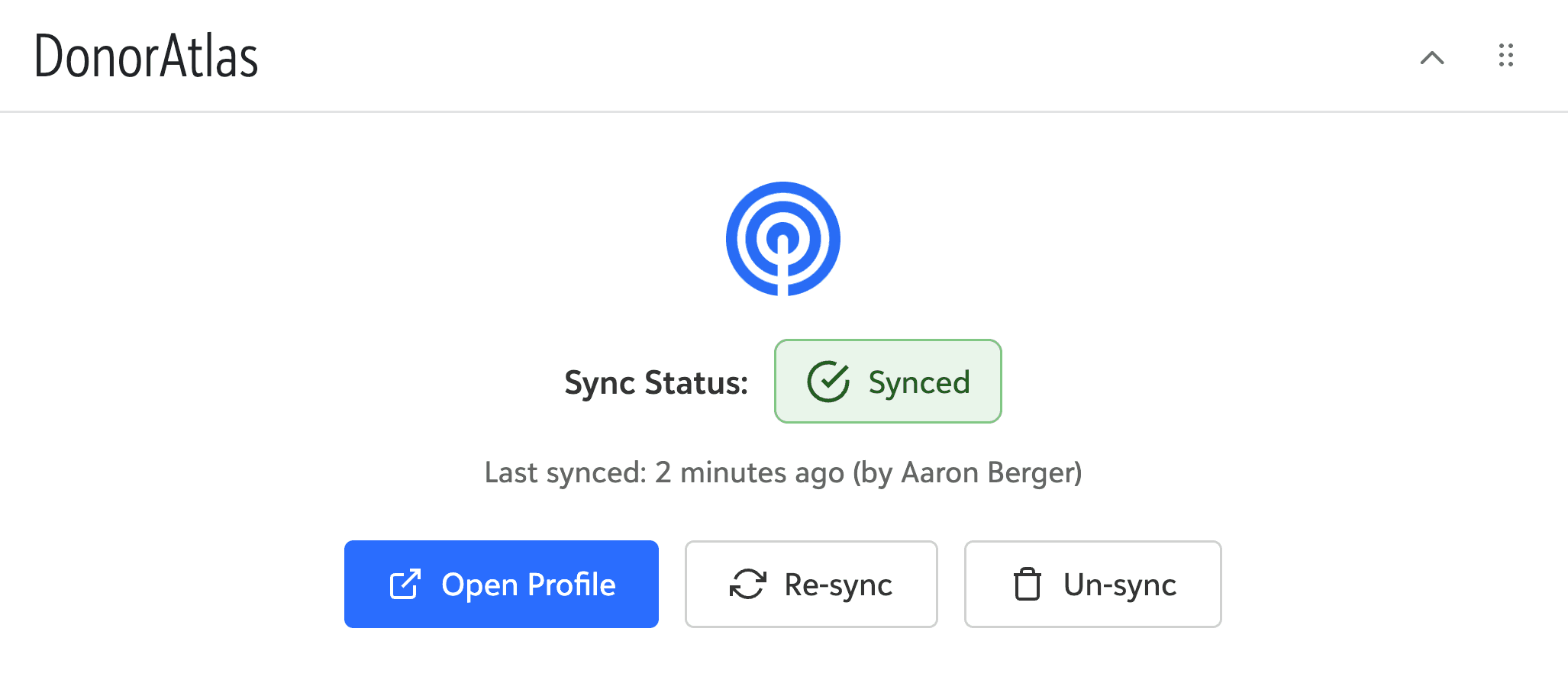
After a minute or so, the sync should finish, and the tile will now show that the Constituent is synced! The DonorAtlas fields you configured earlier will now appear in this Constituent's Ratings, Summary, and other RE sections. You can always manage this Constituent's sync with DonorAtlas right from this tile.
Manage Synced Donors in DonorAtlas
From DonorAtlas, you'll now see a new Donor List called:
 Donors Synced with Raiser's Edge NXT
This list contains all the DonorAtlas donor profiles which are synced to your RE Constituents. From each one, you can open their RE Constituent from right in the profile!

We're Here to Help!
As always, don't hesitate to request support if you have any trouble installing or using the integration, or if you just have suggestions for how we should improve it! Request support right from DonorAtlas.
Need help with your
Raiser's Edge NXT integration?
Contact Us

Need help with your
Raiser's Edge NXT integration?
Contact Us